
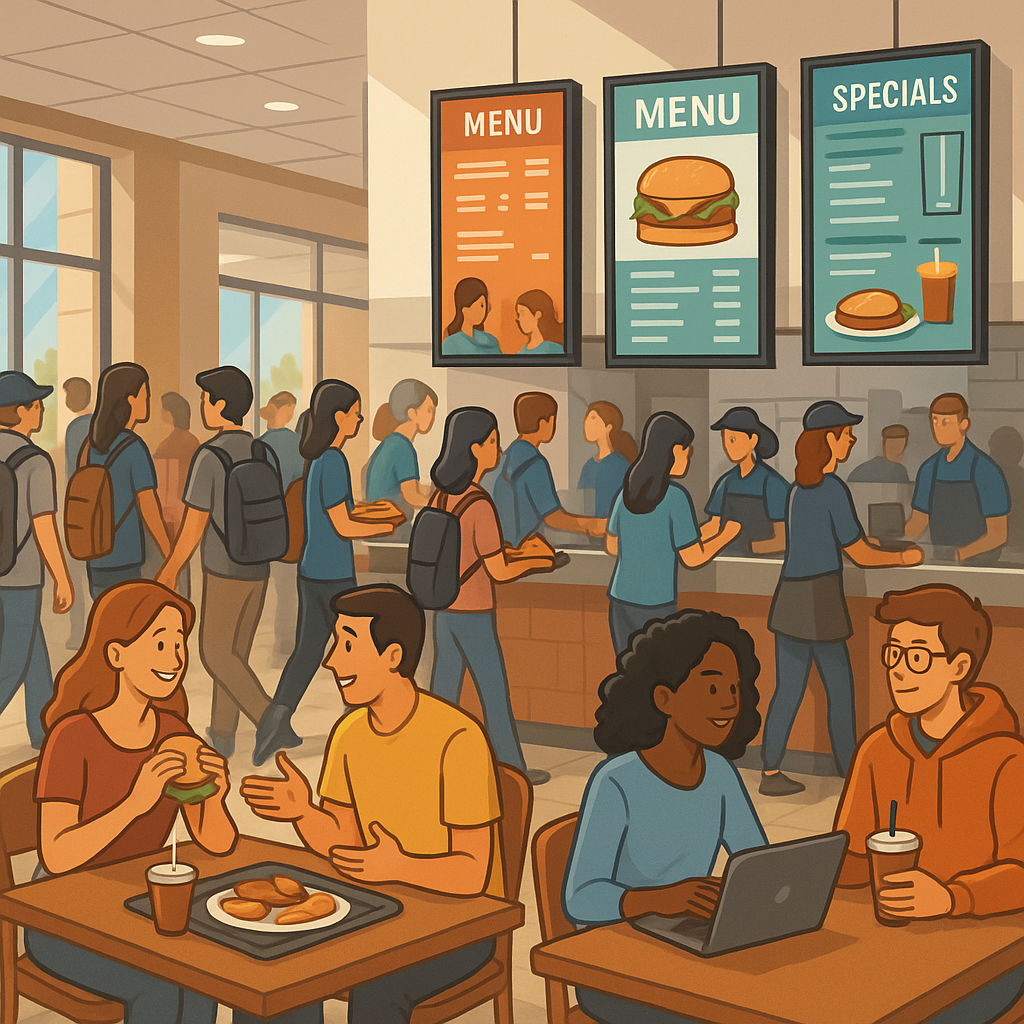

Digital Menu Boards in Campus Dining: How Food Service Management Streamlines Operations
Campus dining moves fast. Lines build. Menus change. Budgets are tight. In this environment, digital menu boards can do more than show prices. They can help food service management run smoother, keep brand standards, and connect with students and guests. The key is to design the system for simple daily use and strong brand control across every location.
Keep It Simple for Campus Dining Teams
Most on-site managers are not designers. They should not have to be. Your campus dining solution should reduce steps, not add them. Choose tools that make common tasks easy: - Update an item, price, or image in seconds - Mark an item sold out with one tap - Schedule breakfast, lunch, and dinner with simple dayparting - Share content across many screens with one upload
When the software does the heavy lifting, staff can focus on food and service, not on “making it look right.”
Brand Control Without the Headaches
You worked hard to build your brand. Fonts, colors, and voice matter. The right system enforces your style with built-in pre-designed templates. These templates limit fonts, sizes, and brand colors, so every screen looks on-brand every time.
At the same time, avoid being too rigid. A smart setup allows safe choices inside your guidelines: - Lock the brand palette, but let teams pick from approved color accents - Lock font families, but allow size ranges for long item names - Lock layout zones, but allow local images or promos in a defined space
This balance gives teams freedom to make content useful, while the software protects brand standards for food service management.
Central Control + Local Flexibility
A strong model blends top-down control with local agility.
Central office creates the master templates and menu data.
Local managers adjust items, pricing, and availability inside safe limits.
Central can push systemwide updates, promos, and seasonal themes with one click.
This approach cuts errors, speeds updates, and keeps every location in sync. It also respects the needs of each unit on a large campus.
More Than Menus: Use Screens to Tell Your Story
Digital displays are a communication tool. Use them to express what your brand stands for: - Welcome back students at the start of the semester - Celebrate cultural holidays with brand-safe themes - Highlight local farms, sustainability wins, or nutrition tips - Acknowledge important guests during Parents Weekend - Promote campus events, meal plans, and hours
Think of your screens as a friendly voice in the dining hall. Short, clear messages build trust and loyalty.
Seasonal Style, Done the Smart Way
Create a library of approved themes that sit on top of your templates. These change the look for holidays and events without breaking your rules: - Fall welcome - Homecoming and game days - Finals week fuel - Parents Weekend spotlights - Winter break hours
A central admin can schedule these themes by date. Local teams can add their own messages inside the allowed spaces.
Remove Data Entry Pain
Manual typing leads to mistakes. Connect your digital menu boards to the systems you already use: - Pull items, prices, and calories from your POS or menu database - Display allergens and icons from a central list - Auto-hide items when supply runs out - Trigger daypart changes by time
When data flows in, screens stay accurate without extra work. That reduces stress during peak times.
Design That Works for Non-Designers
Templates help, but a few simple tips improve readability: - Use high contrast: light text on dark or dark text on light - Keep names short; use descriptions only if they add value - Group items by category for easy scanning - Put the most popular items near the top left - Use motion sparingly; subtle is better in dining lines
These rules make content clear from a distance and reduce decision time.
What to Standardize vs. What to Flex
Set clear lines so teams know where they have control.
Standardize: - Brand colors, fonts, and logo use - Layout zones and type sizes - Nutrition and allergen icon styles - Legal and compliance notes
Allow flexibility: - Daily specials and local events - Local photos taken with guidance - Short welcome messages - Price changes within approved ranges
This gives staff room to serve their guests while keeping the look tight.
Measure What Matters
Keep metrics simple and useful: - Time to update a menu - Number of brand errors per month (goal: zero) - Sell-through of promoted items - Student satisfaction comments about menu clarity - Fewer line bottlenecks during peak periods
Share results with teams so they see the impact of clear content and good process.
A Practical Rollout Plan
Define brand rules and content types.
Build a small set of digital menu board templates.
Connect to data sources (POS, nutrition).
Pilot in one high-traffic location for two weeks.
Train staff with short, role-based guides.
Roll out themes for the semester calendar.
Review metrics and refine templates quarterly.
Small steps lead to fast wins and steady adoption.
The Bottom Line
For food service management, the best digital menu boards are simple, branded, and flexible. They lower the load on busy teams, keep every screen on-message, and turn campus dining into a stronger part of student life. Start with clear rules, smart templates, and gentle guardrails. Then let your teams do what they do best: serve great food and a great experience.
Ready to streamline campus dining with digital menu boards? If you’d like a no-pressure walkthrough and a quick pilot plan, contact SmarterSign. We’ll help you set up templates, data connections, and themes that work for your operations.